Feature Overview: Internet Channel Pre-Rolls In Cablecast 7.10
Overview

Internet Channel Pre-Rolls are available in Cablecast 7.10 and allow organizations to deliver short promotional videos before Video On Demand and Live Stream content for web viewers.
Pre-Rolls work by randomly selecting content from a Cablecast saved search, giving you the full power of Cablecast metadata, Custom Fields, and Saved Searches to curate your pre-roll content.
Once you've created a saved search, simply configure your Internet Channel to pull Pre-Rolls from that search.
Follow the steps below to get started with Internet Channel Pre-Rolls today.
Step 1: Create The Saved Search
📖 Related Article: Saved Searches for more detailed information
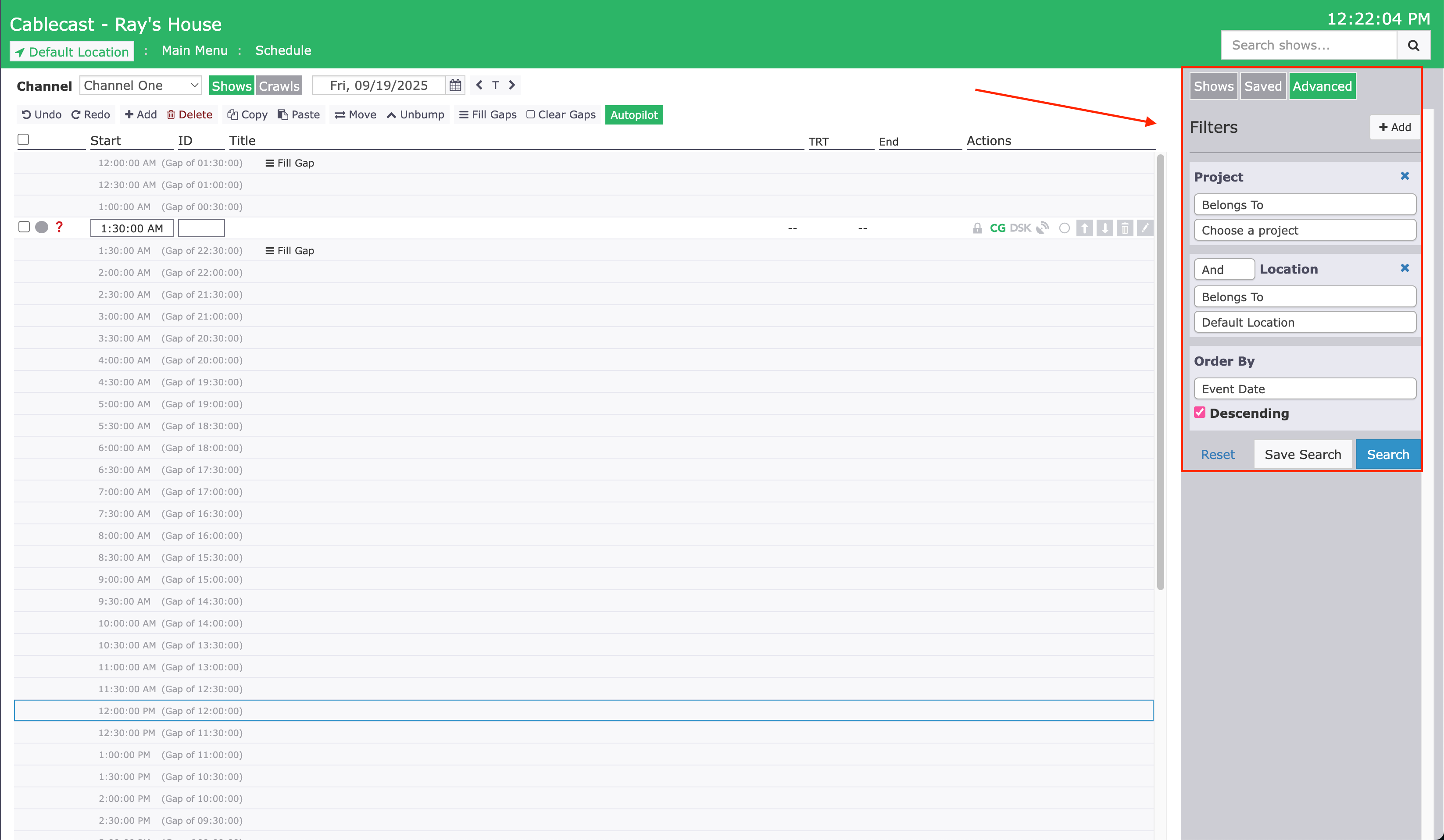
Navigate to Shows in your Cablecast interface
Build a search using whatever criteria you want for your pre-roll content
Save the search and give it a meaningful name like "Pre-Roll Content"
Pro Tips
Keep content short - we recommend pre-rolls be 30 seconds or less
Use date fields to automatically expire content and keep pre-rolls topical and fresh
Test your search to ensure it returns the content you want
Step 2: Configure The Internet Channel
📖 Related Article: Customizing Cablecast Internet Channels for more information
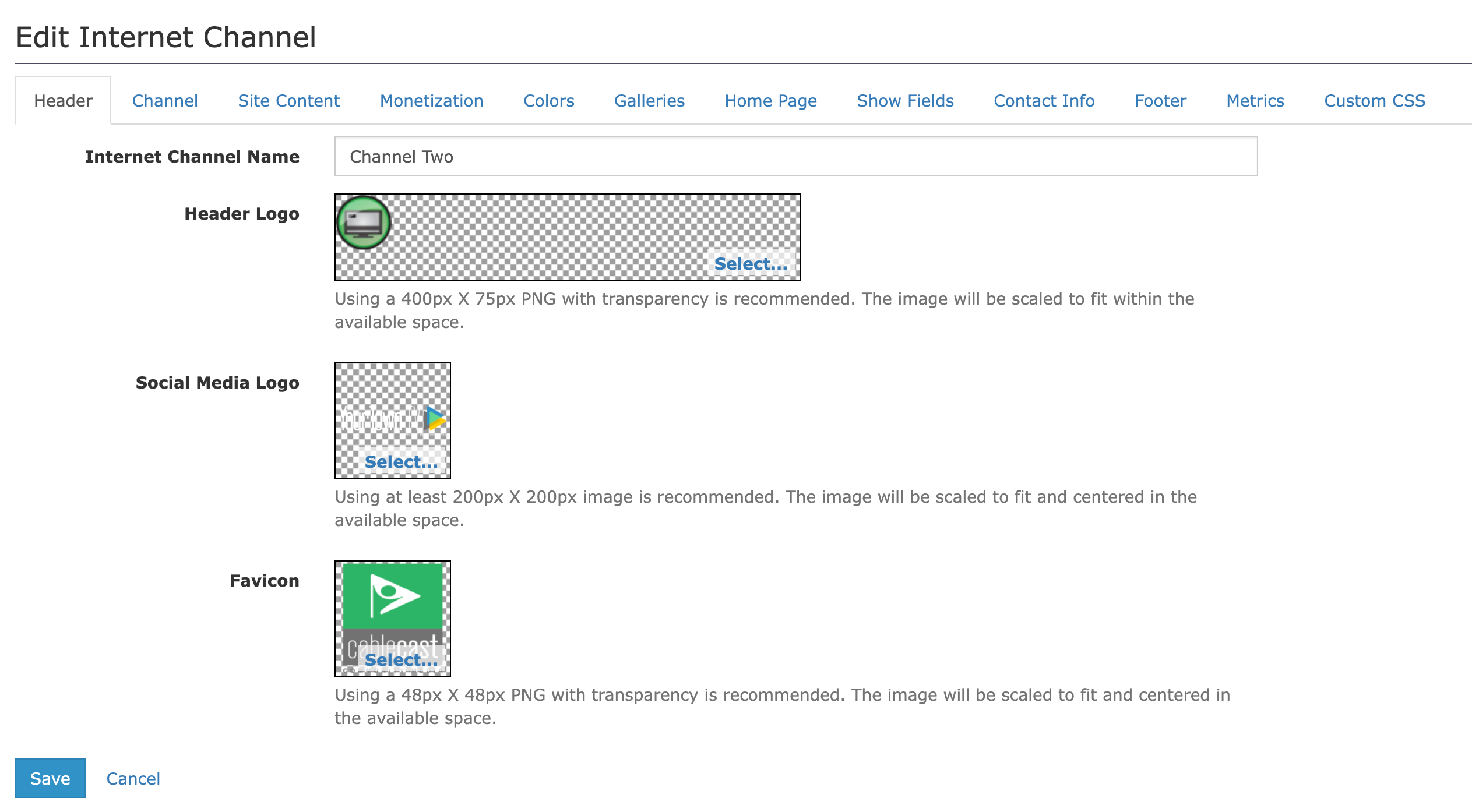
Go to Internet Video → Internet Channels
Edit the Internet Channel you would like to add pre-roll content to
Under the "Content" tab, select your saved search from Step 1
Save the channel
Important Note
Due to caching, it can take a few minutes to an hour for your pre-rolls to appear. Be patient! If your pre-roll content doesn't work after an hour, please contact us at support@cablecast.tv.
Frequently Asked Questions
Q: Can I get metrics on pre-rolls?
A: Yes! Pre-rolls are reported in Viewer Audience Measurement Reports just like other VOD content.
📊 Learn more: Audience Measurement Reports
Q: Will pre-rolls work on my OTT apps like Roku, iOS, or FireTV?
A: Not at this time. We are looking at bringing pre-rolls to platforms other than the web in 2026, but we don't have an exact timeline yet.
