Reset or Replace CMOS Battery on Cablecast Systems
Items required
A replacement CR2032 battery, can be sourced at most retail stores or from Amazon .
A small flathead screwdriver for removing battery
A small Philips screwdriver for removing case screws that secure lid
The example shown uses an SXLE but the steps are much the same for most Cablecast servers Steps
Unplug and remove server to gain access to the top lid.
Remove screws that secure top lid if applicable, the location and release mechanism will vary depending on the model.
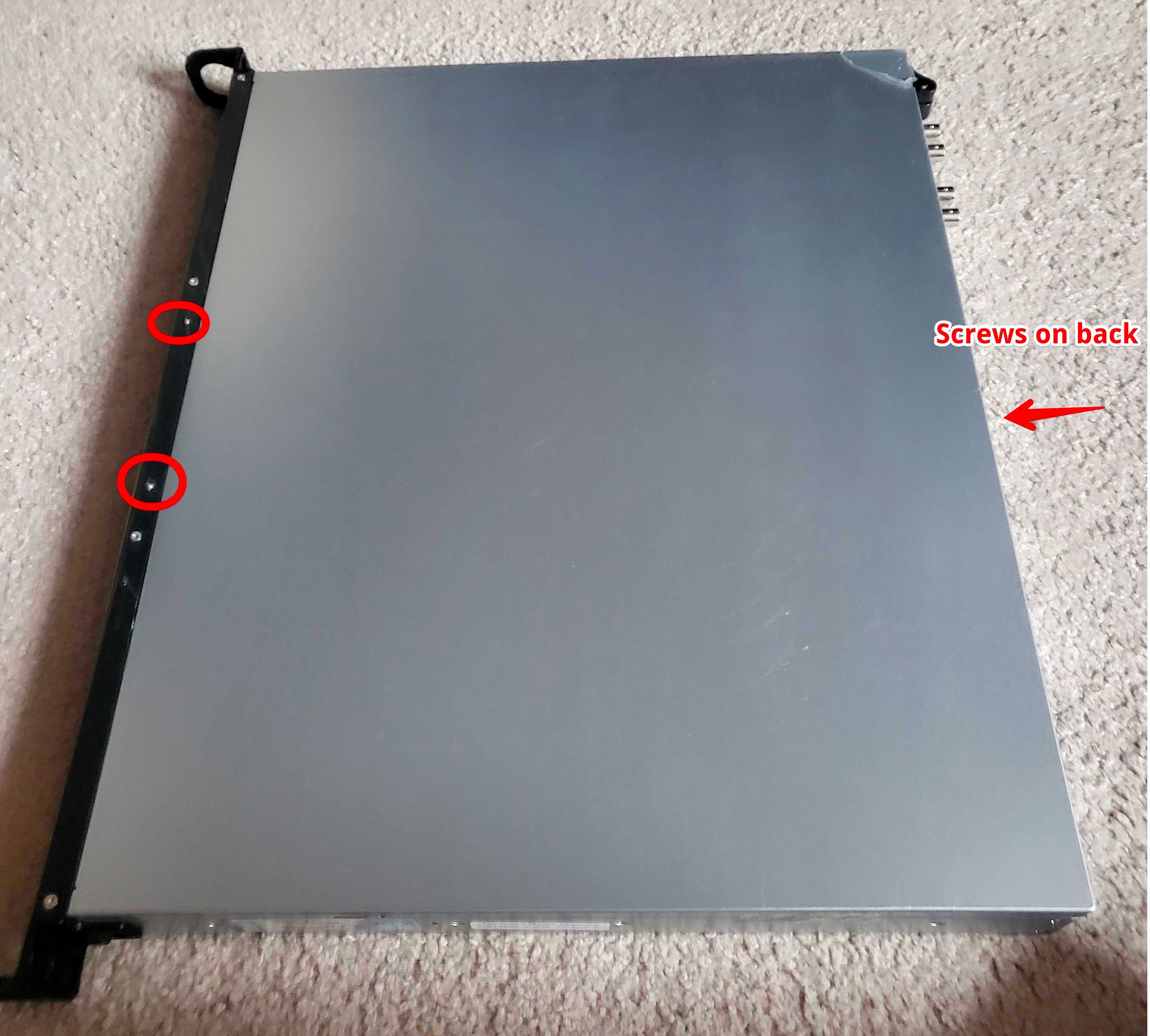
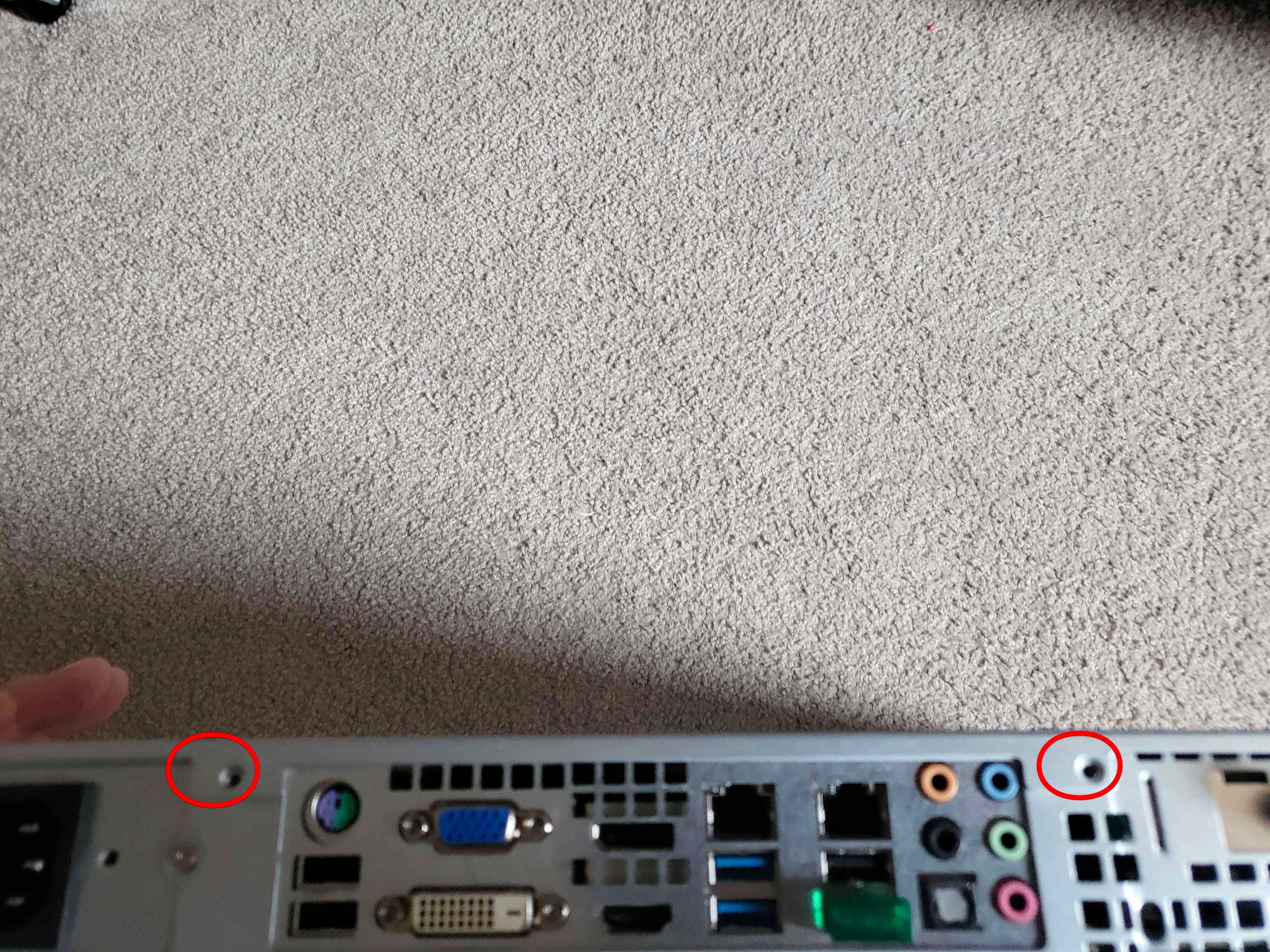
Slide lid back and lift lid to remove and expose motherboard.
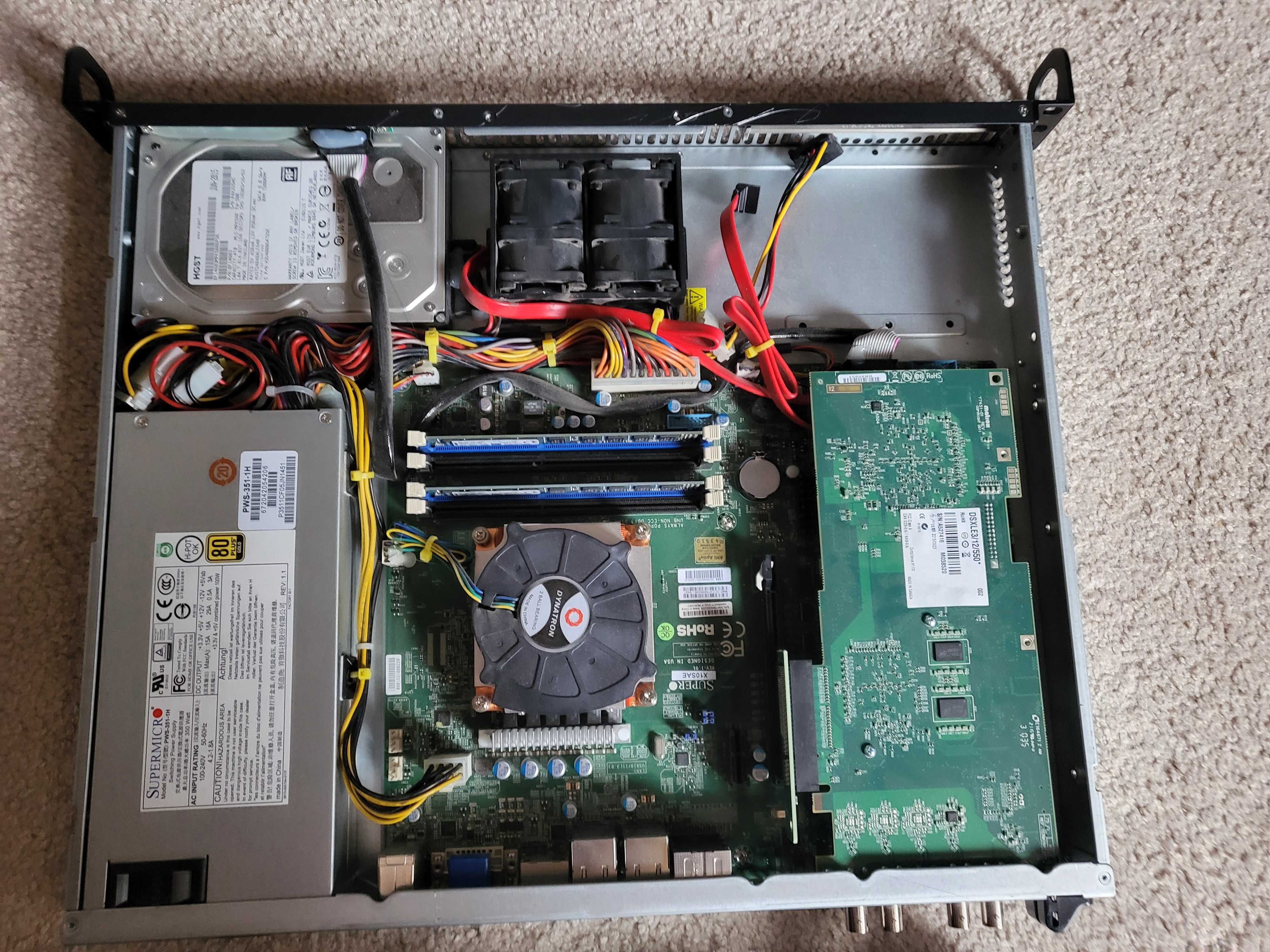
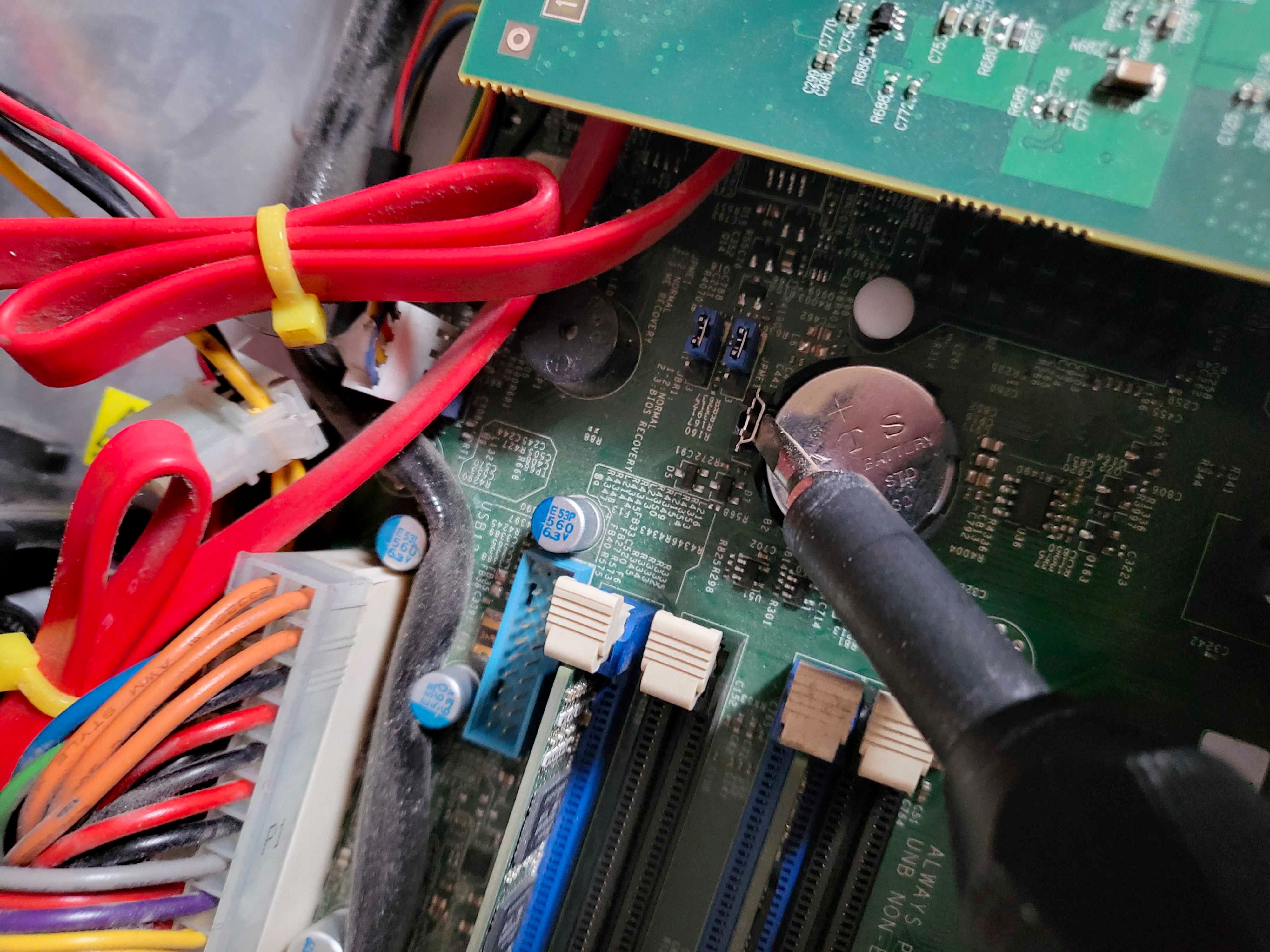
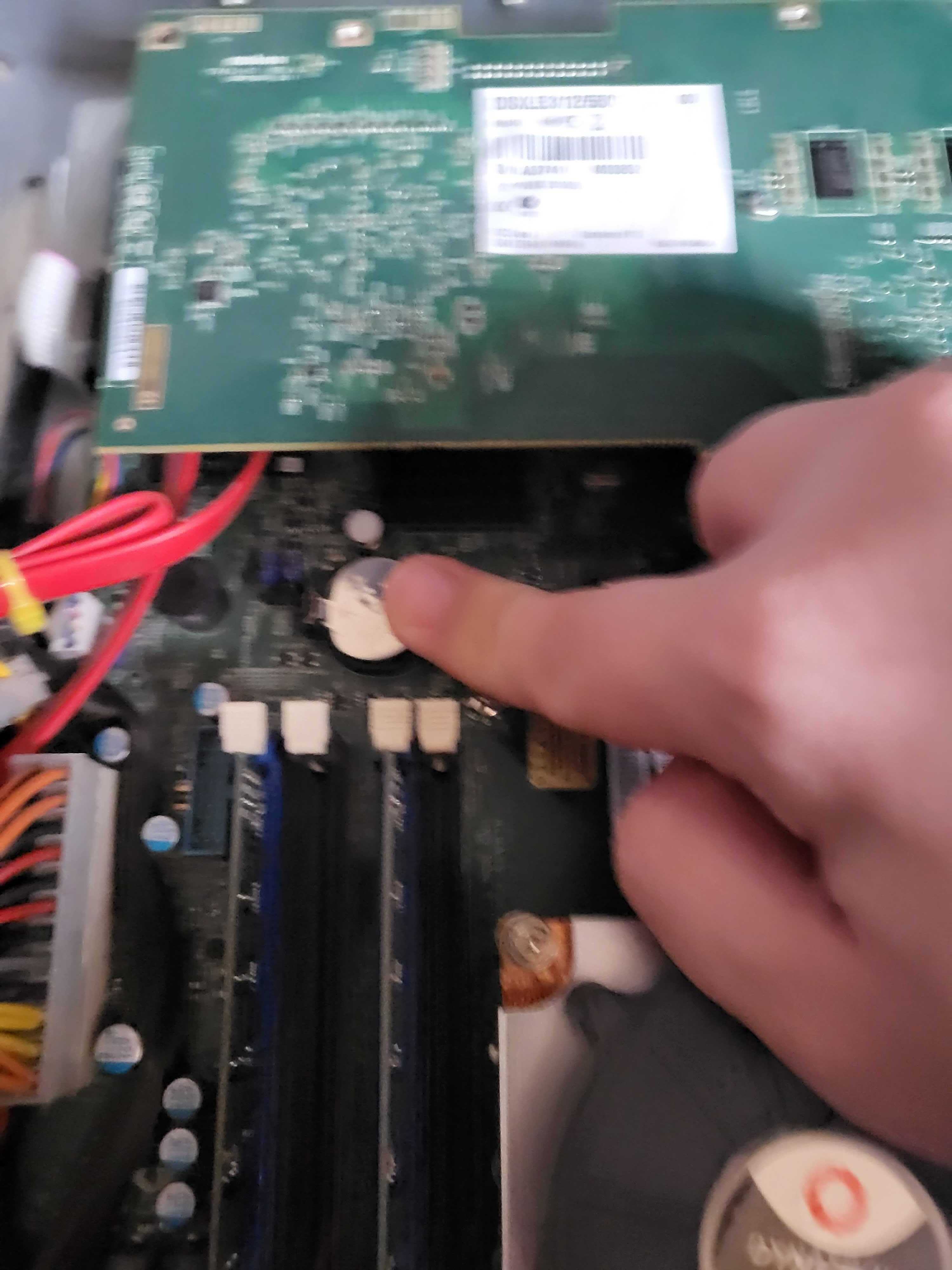
Locate CMOS battery.
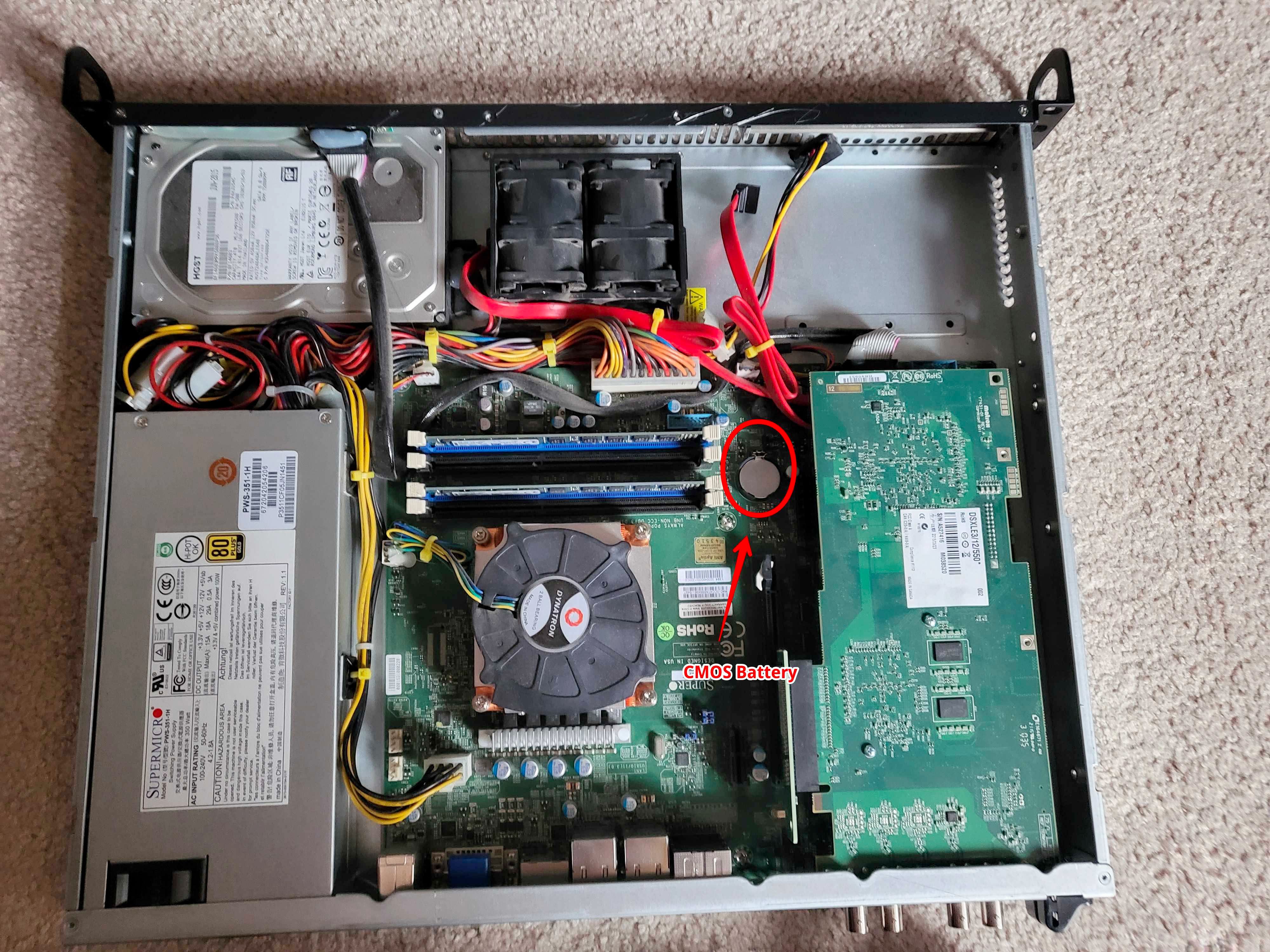
Remove CMOS battery, it is recommended to use a flathead screwdriver to depress the latch so the battery will pop loose
Depress power button on the server for 15 seconds.
Insert replacement CMOS battery or reinsert existing one for a forced reset. Insert at an angle then depress until latched.
Reinstall lid and secure system.
Power up, this effectively erases the motherboard settings so startup may take longer than usual and have a restart before booting into windows.
